
XCMG
งานเชื่อมโครงสร้างเครนด้วยหุ่นยนต์
หุ่นยนต์เชื่อมกว่า 100 ตัวจากหลายยี่ห้อเขียนโปรแกรมออฟไลน์บนแพลตฟอร์มเดียว ประสิทธิภาพการเขียนโปรแกรมเพิ่มขึ้นกว่าเท่าตัว
ดูกรณีศึกษาFASTSUITE จากออฟไลน์สู่หน้างาน
สร้างเส้นทางหุ่นยนต์และตรวจสอบด้วยการจำลองในสำนักงานโดยไม่ต้องหยุดสายการผลิต เหลือเพียงการปรับค่าที่คลาดเคลื่อนเล็กน้อยที่หน้างาน
ผู้ผลิตกว่า 1,000 รายทั่วโลกใช้งาน
ดูลูกค้าทั้งหมด XCMG
XCMG  COMAC
COMAC  Prima Power
  Haitian Laser
  Airbus
  KUKA
KUKA  Siasun
  Daimler (Mercedes-Benz)
  Gestamp
  BMW
BMW  Unity Prima
 โครงการของลูกค้า
วิดีโอจากงานตัวถังรถยนต์ เครื่องจักรก่อสร้าง อากาศยาน และงานเลเซอร์
XCMG
หุ่นยนต์เชื่อมกว่า 100 ตัวจากหลายยี่ห้อเขียนโปรแกรมออฟไลน์บนแพลตฟอร์มเดียว ประสิทธิภาพการเขียนโปรแกรมเพิ่มขึ้นกว่าเท่าตัว
ดูกรณีศึกษาHaitian Laser
จำลองหัวตัดทั้งสองพร้อมกัน แบ่งเส้นทาง และตรวจการชน ประสิทธิภาพการตัดแบบสองหัวเพิ่มขึ้น 80%
ดูกรณีศึกษาHIGOLASER
เซลล์หุ่นยนต์ 4 ตัวตัดวงประตู 70 รูได้ใน 71 วินาที (เครื่อง 5 แกนแบบเดิมใช้ 172 วินาที) และลดแรงงาน พื้นที่ และจิ๊กลงกว่า 65%
ดูกรณีศึกษาAirbus Atlantic
ตรวจสอบโปรแกรมหุ่นยนต์ในดิจิทัลทวินก่อนเริ่มใช้งาน ลดเวลาทดสอบและปรับเทียบเซลล์หุ่นยนต์ได้อย่างน้อย 30%
ดูกรณีศึกษาPrima Power
แก้โค้ดบน HMI เสมือน ตรวจการชน และคำนวณรอบเวลาได้โดยไม่ต้องใช้เครื่องจริง
ดูกรณีศึกษาXCMG
การจำลองทั้งสายการผลิตของเซลล์หุ่นยนต์หลายตัว เทียบกับภาพสายการผลิตที่เดินงานจริง
ดูกรณีศึกษาCentral Tooling Design
ยืนยันระยะเอื้อมของหัวเชื่อม การชน และรอบเวลาในการจำลองก่อนเริ่มใช้งาน
ดูกรณีศึกษาอุตสาหกรรมยานยนต์
เส้นทางพ่นสีแนบตามผิวตัวถัง และวิเคราะห์ความหนาฟิล์มได้ในการจำลอง
ดูกรณีศึกษาจากการเขียนโปรแกรมออฟไลน์สู่การผลิต
สี่ขั้นตอนแรกทำในสำนักงานด้วย FASTSUITE Edition 2 ขั้นตอนสุดท้ายทำที่หน้างานด้วย FASTCUBE
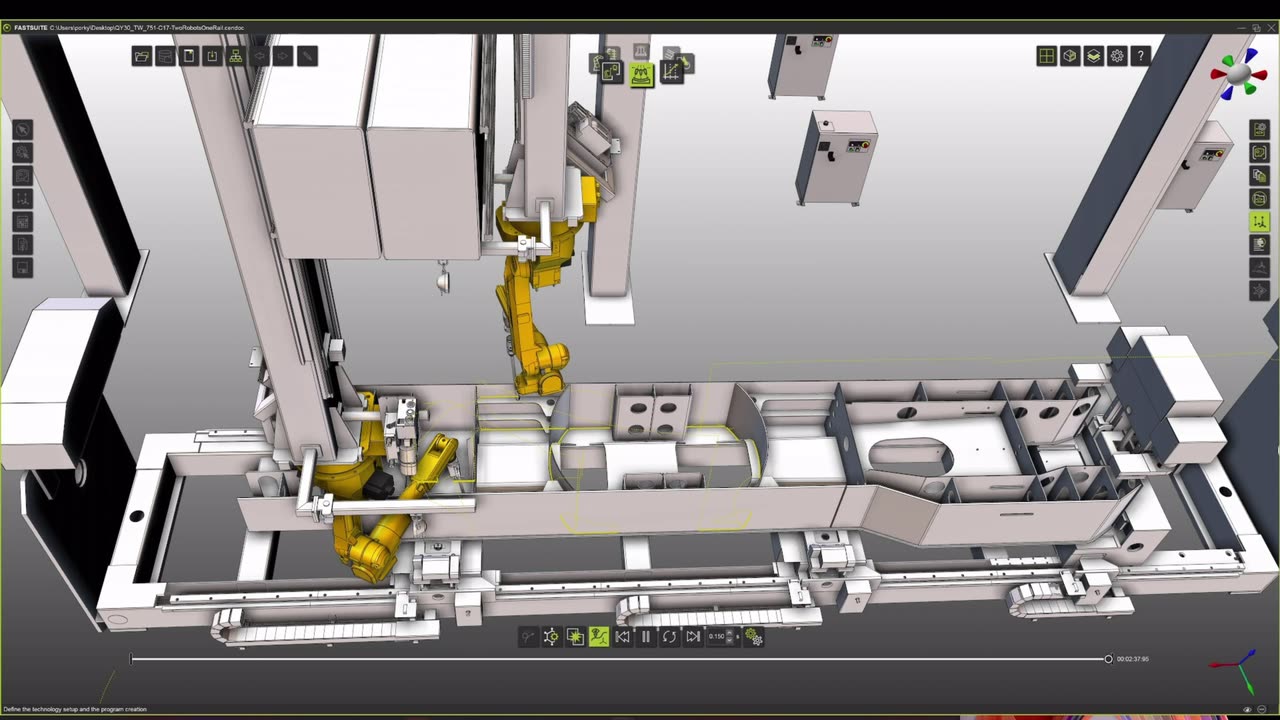
เปิดไฟล์ชิ้นงานและเครื่องจักรได้โดยตรง ไม่ต้องใช้ซอฟต์แวร์แปลงไฟล์
FASTSUITE Edition 2
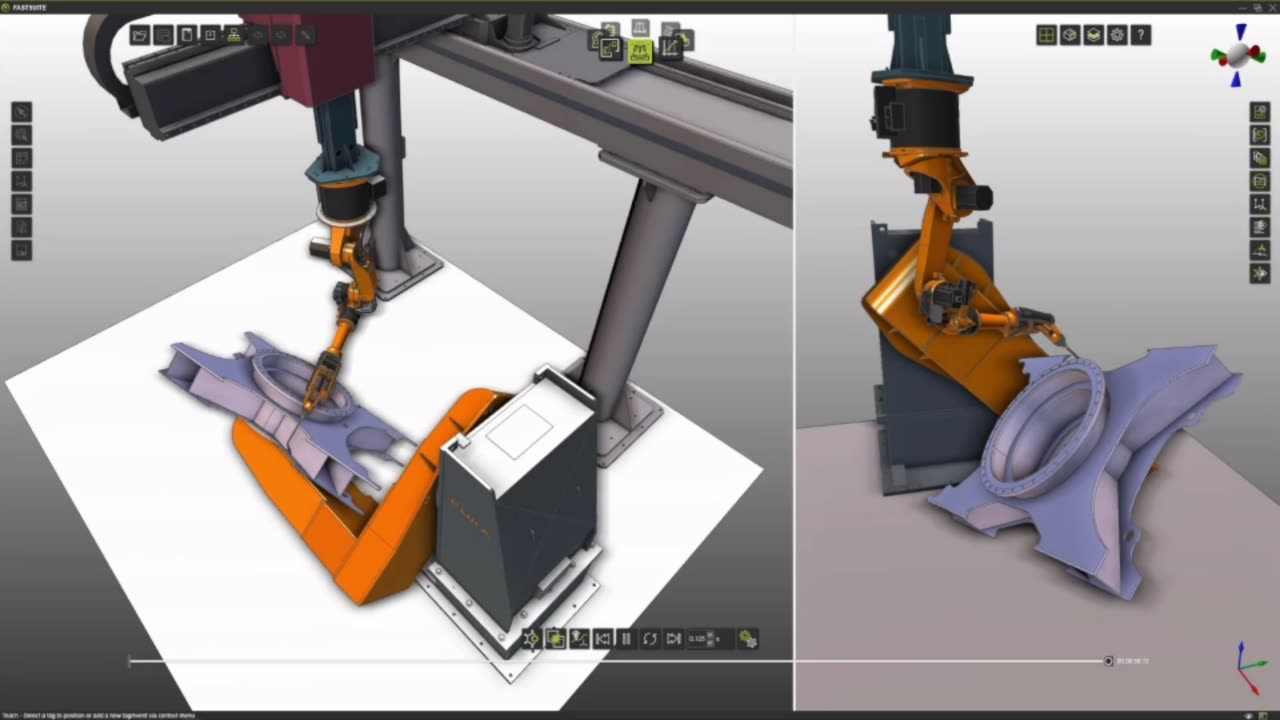
วางหุ่นยนต์ โพซิชันเนอร์ จิ๊ก และรั้วนิรภัย เพื่อสร้างเซลล์หรือทั้งสายการผลิตในแบบสามมิติ
FASTSUITE Edition 2
สร้างเส้นทางหุ่นยนต์จากแนวเชื่อมและฟีเจอร์ของชิ้นงาน พร้อมปรับท่าทางและลำดับการทำงานให้เหมาะสม
FASTSUITE Edition 2
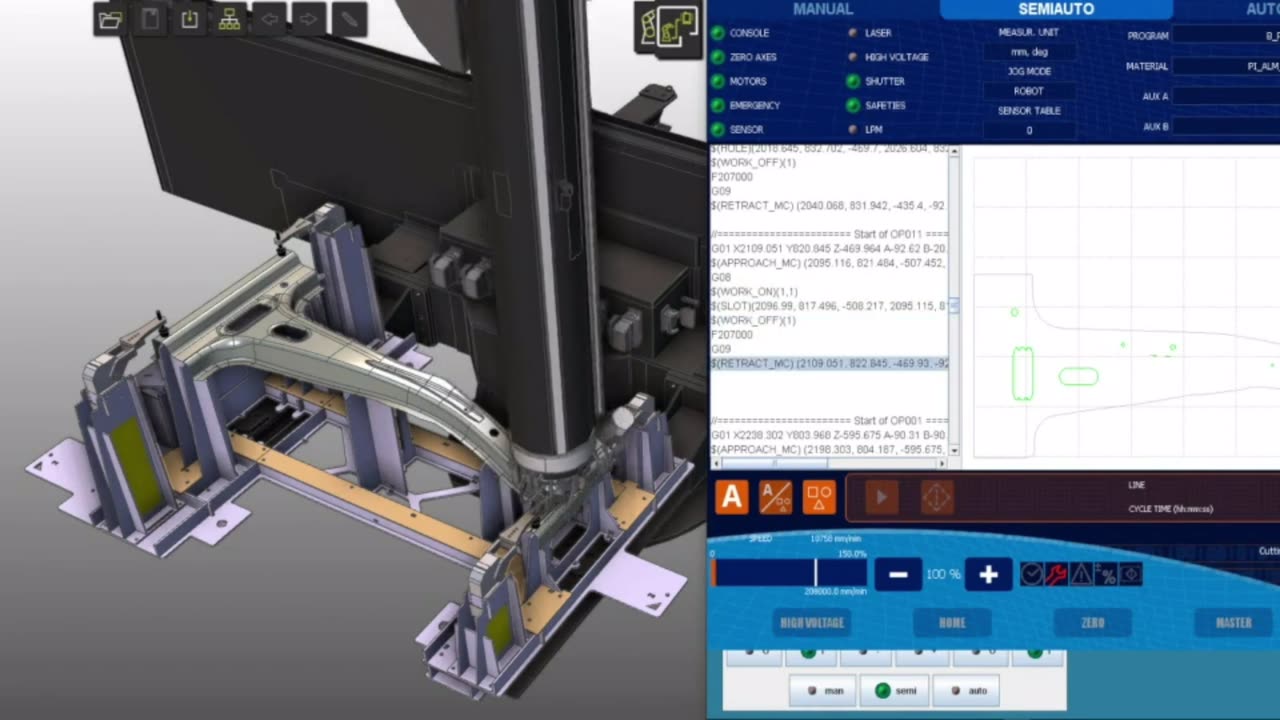
ตรวจการชน ระยะเอื้อม และรอบเวลา แล้วตรวจสอบสายการผลิตแบบ 1:1 ด้วยคอนโทรลเลอร์จริง
FASTSUITE Edition 2
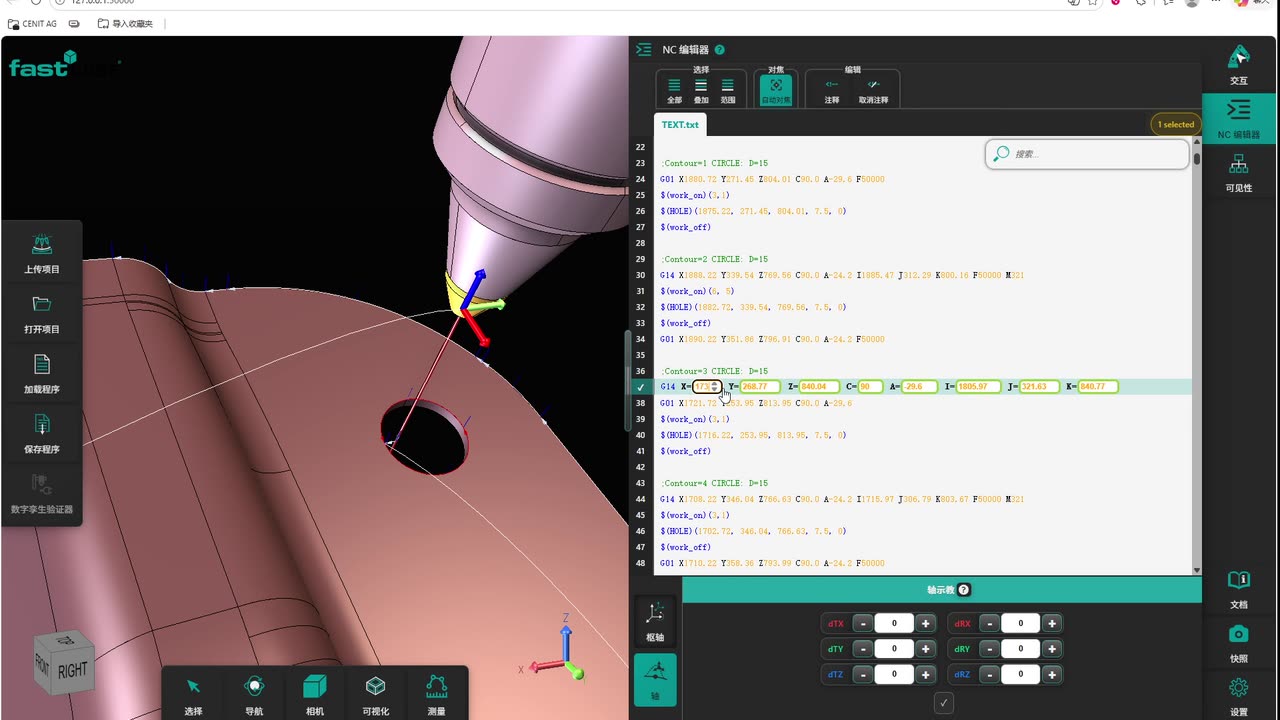
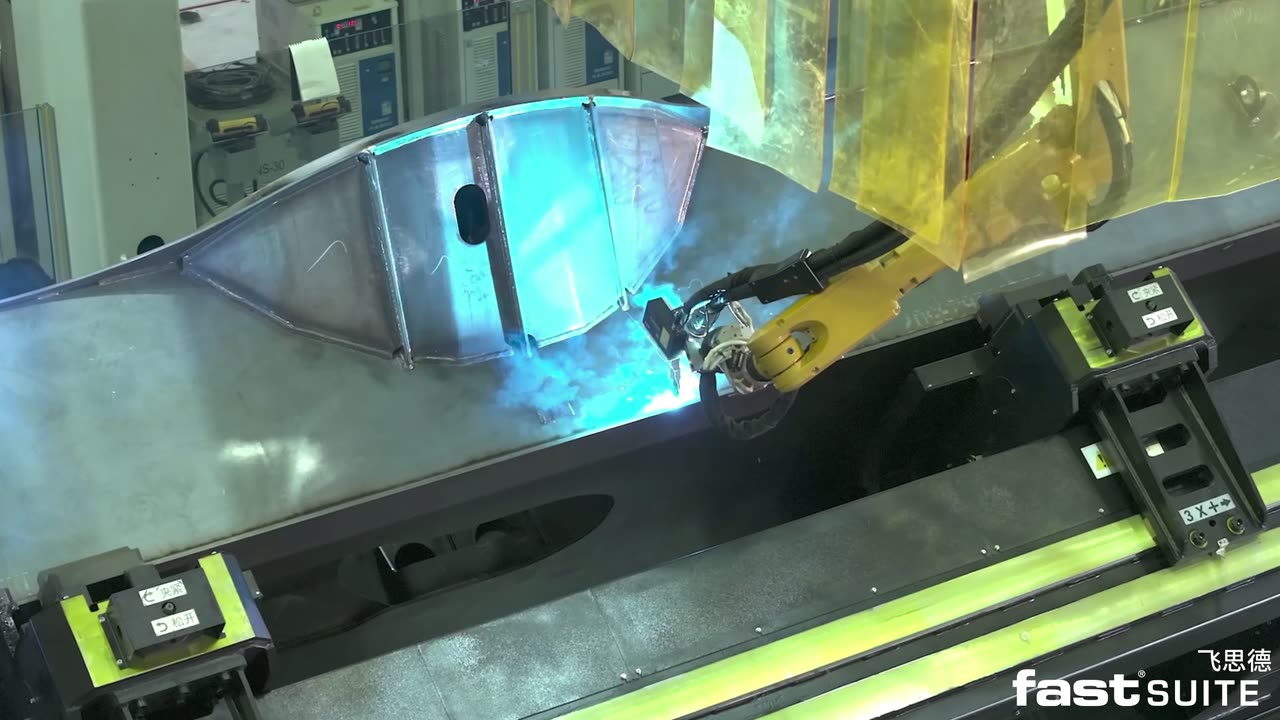
เมื่อชิ้นงานหรือการจับยึดต่างจากแบบ ปรับเส้นทางข้างเครื่องจักร ตรวจสอบเสมือนจริง แล้วสั่งทำงาน
FASTCUBE Shopfloor Assistant
Project simulation demo
FASTSUITE exports a whole project simulation as a single web file that opens in a browser. The program travels to the shop floor with its simulation, and the operator steps through it on a tablet or PC.
The simulation exports as a web file
One HTML file carries the full robot motion simulation: orbit the view, play, pause and step frame by frame.
Opens on the devices already on the shop floor
Any browser on a tablet, industrial PC or laptop runs it. Nothing to install, no license, no connection needed.
Program and simulation delivered together
Paths, cycle time and clearances can be checked before commissioning, so problems surface before the equipment goes live.
Drag to orbit, scroll to zoom; play, pause and step frames at the bottom Open in a new window
ผลิตภัณฑ์
รองรับหุ่นยนต์และเครื่องจักร CNC ยี่ห้อหลัก เช่น ABB, FANUC, KUKA, Yaskawa และ Kawasaki
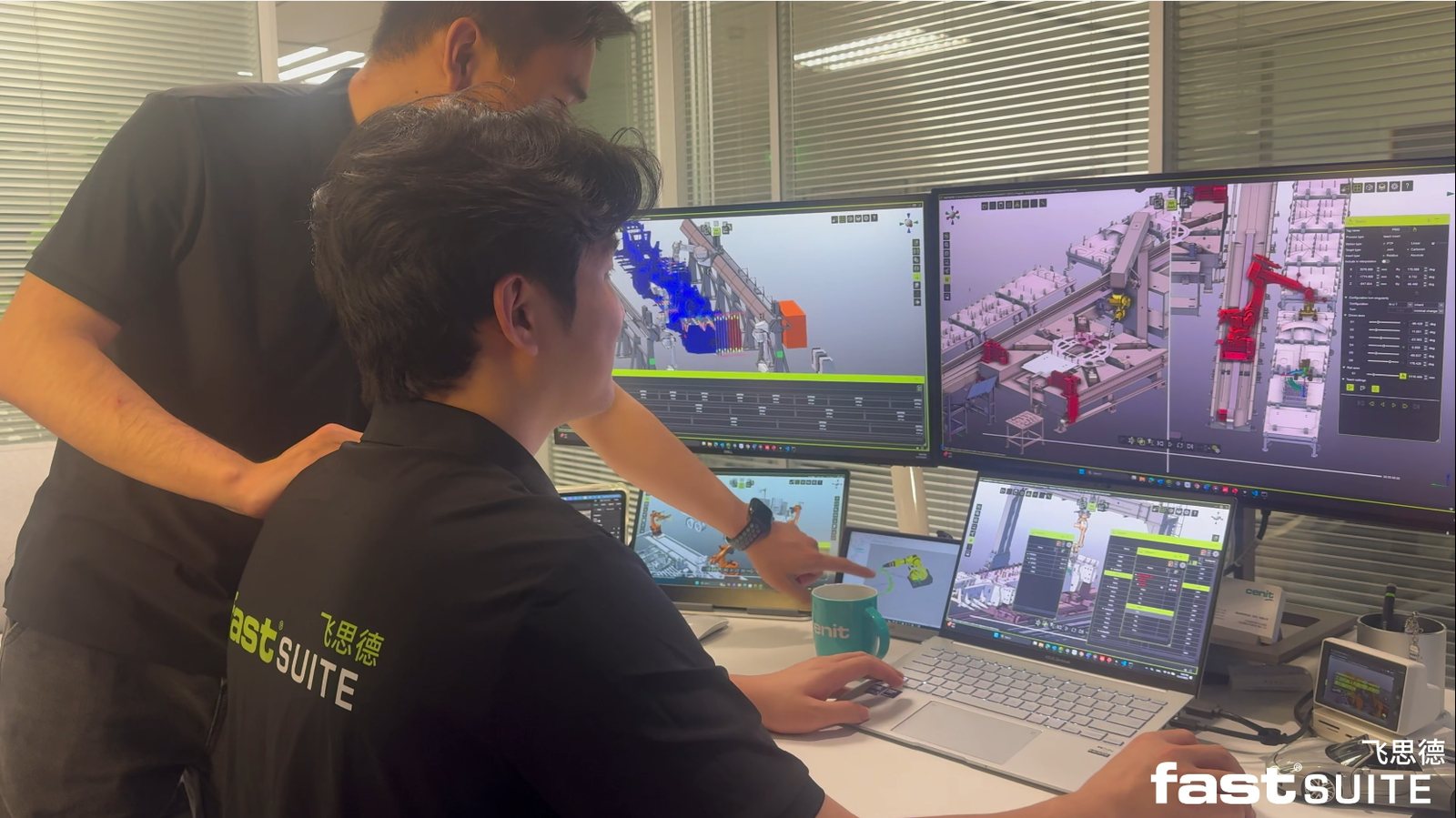
สำนักงาน: สร้าง เขียนโปรแกรม จำลอง ทดสอบเสมือนจริง
เขียนโปรแกรมหุ่นยนต์และเครื่องจักร CNC หลายยี่ห้อบนแพลตฟอร์มเดียว ครอบคลุมงานเชื่อม ตัด พ่นสี เจาะและย้ำหมุด
ดูรายละเอียด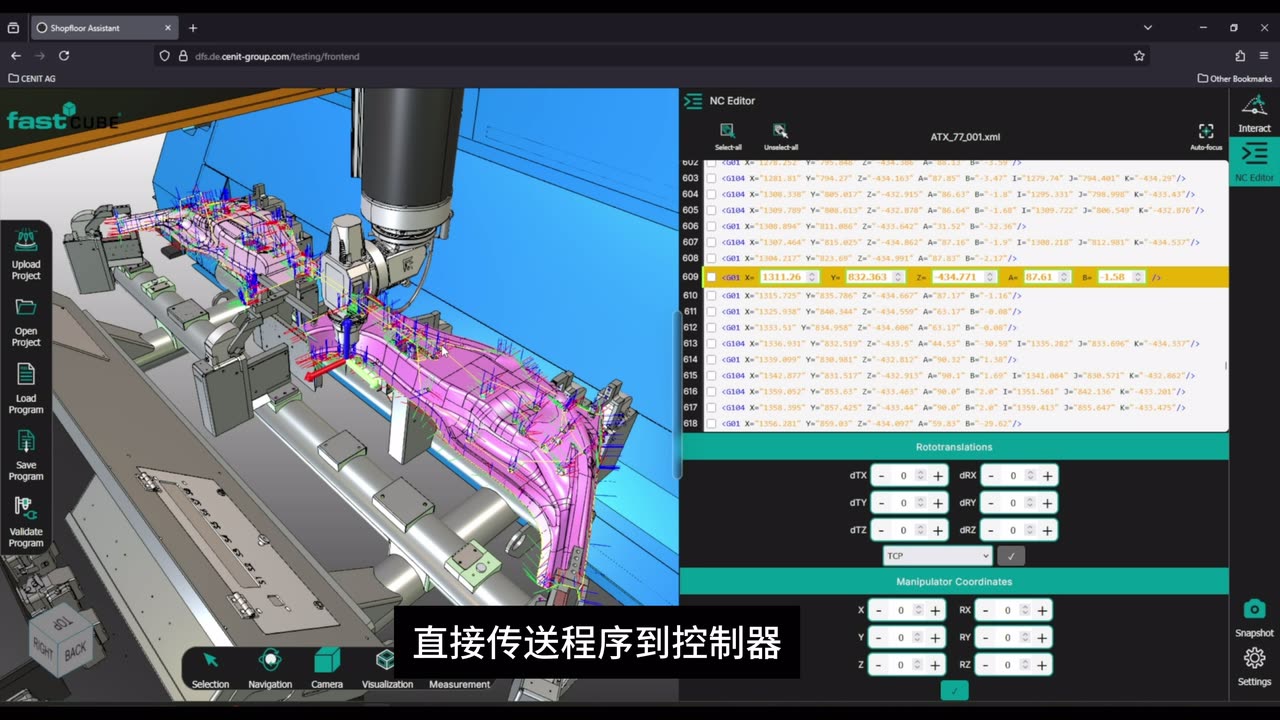
หน้างาน: แก้ไขและตรวจสอบโปรแกรม
เมื่อชิ้นงานหรือการจับยึดคลาดเคลื่อนจากโปรแกรม ปรับเส้นทางแบบสามมิติข้างเครื่องจักรและตรวจสอบเสมือนจริง ลดเวลาหยุดเครื่องและการทำ CAM ใหม่
ดูรายละเอียด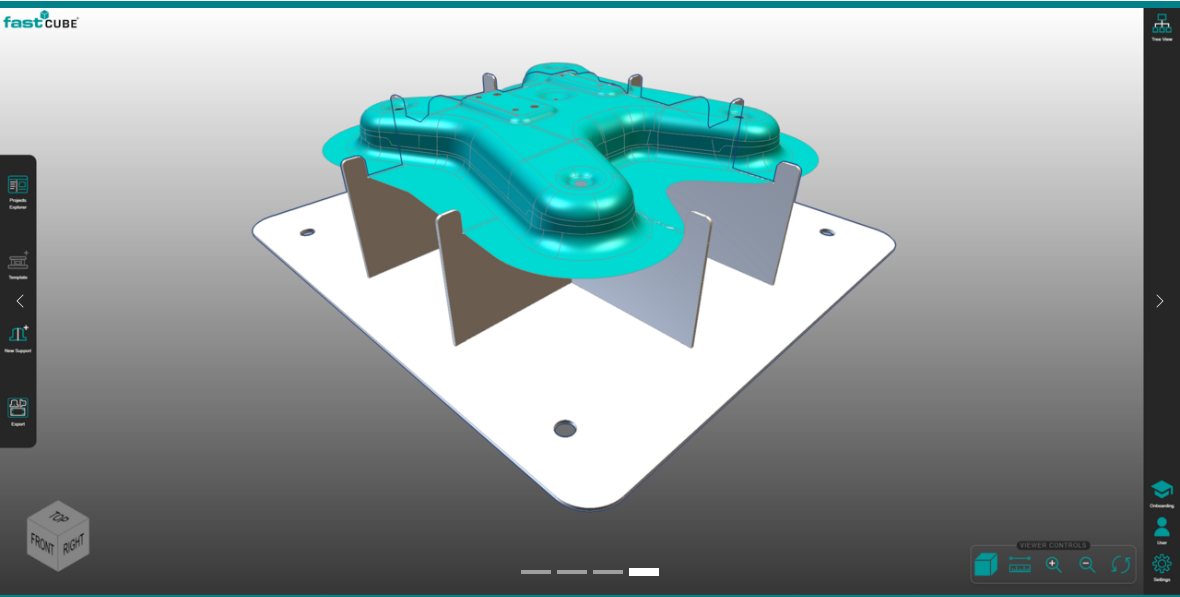
จิ๊ก: สร้างจากข้อมูล STEP
สร้างจิ๊กแบบโมดูลสำหรับงานเชื่อมและงานตัดจากโมเดลชิ้นงาน ส่งออกเป็น DXF/STEP สำหรับตัดเลเซอร์ ลดงานออกแบบจิ๊กได้ถึง 75%
ดูรายละเอียดFASTSUITE Edition 2 ให้ทดลองใช้ครบทุกฟังก์ชัน 30 วัน ทีมวิศวกรที่ซูโจวจะติดต่อกลับภายในหนึ่งวันทำการหลังจากส่งคำขอ
สำหรับผู้รับงานระบบ ตัวแทนจำหน่ายในภูมิภาค ผู้ผลิตเครื่องจักร และสถาบันการศึกษา พร้อมการอบรม การสนับสนุนก่อนการขาย และการพัฒนาโครงการร่วมกัน